
TSS PC Controller
Your Windows PC, In the Palm of Your Hand.
Control, monitor and manage your Windows computer directly from your smartphone.
The Problem
Managing a Windows PC often requires being physically present in front of the computer. Users frequently need a reliable, low-latency way to inspect desktop progress, trigger downloads, control media, or shutdown their systems remotely without expensive enterprise setups.
Our Solution
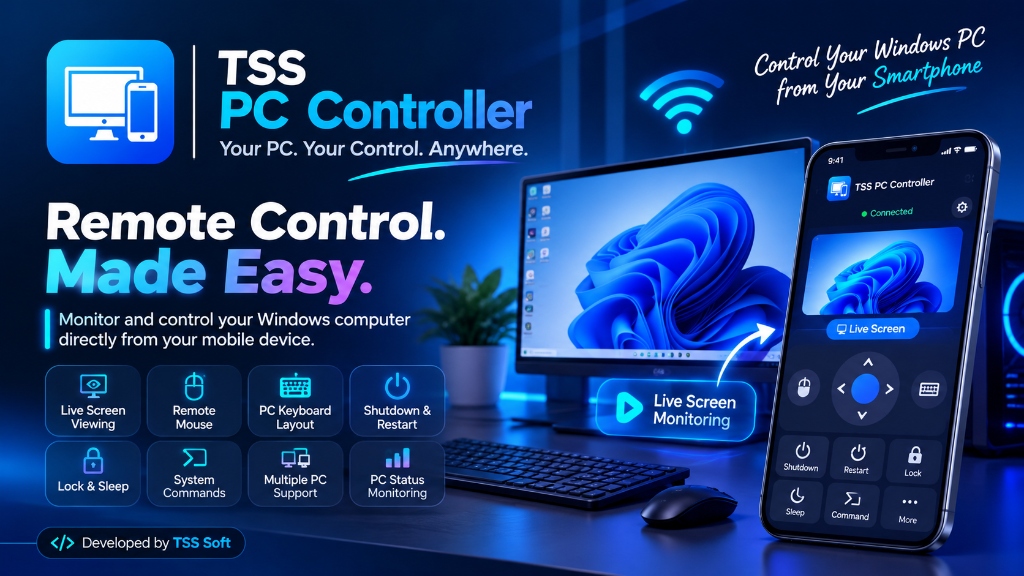
TSS PC Controller bridges a native mobile application with a lightweight Windows background host service, empowering users to execute full mouse and keyboard operations, run system tasks, and watch their PC display live from their handheld device.
LIVE SCREEN MONITORING
Users can stream and inspect their live Windows PC desktop directly from the mobile app interface in real-time, allowing continuous monitoring of renders, downloads, and system activity from anywhere in the room.
User Roles & Stakeholders
Computer Operator / Power User
Connect personal smartphone to one or multiple Windows machines for effortless remote command execution and live surveillance.
Host Windows Machine
Runs lightweight background service listening for authorized paired mobile commands over secure local or networked protocols.
Core Features & Engineering
Your PC. Your Control. Anywhere.
Live PC Screen Viewing
Real-time low-latency desktop frame streaming straight to your smartphone display.
Live Screen Monitoring
Continuous surveillance of background tasks, game downloads, or encoding progress.
Dedicated PC Keyboard Layout
Full PC keyboard with Windows keys, Ctrl, Alt, Shift, and function keys on mobile.
Remote Mouse Control
Touchpad trackpad emulation with multi-touch click, drag, and scrolling.
System Command Execution
Run predefined shortcuts, terminal commands, or launch designated programs.
Remote Shutdown
Power down your Windows computer safely with a single tap from your bed or desk.
Remote Restart
Reboot your machine remotely after updates or prolonged computational jobs.
Remote Lock
Instantly lock the Windows desktop session to secure your workstation.
Sleep Control
Put the PC into power-saving sleep mode and conserve energy on demand.
Multiple PC Management
Switch between various paired workstations or media centers effortlessly.
Connected Device Management
View paired devices and authorize only trusted smartphones for control.
PC Status Monitoring
Check connectivity status and response times of your Windows workstation.
“Making computer management seamless, remote and accessible from any smartphone.”
✦ Engineered & Maintained by TSS SoftExplore Other Work
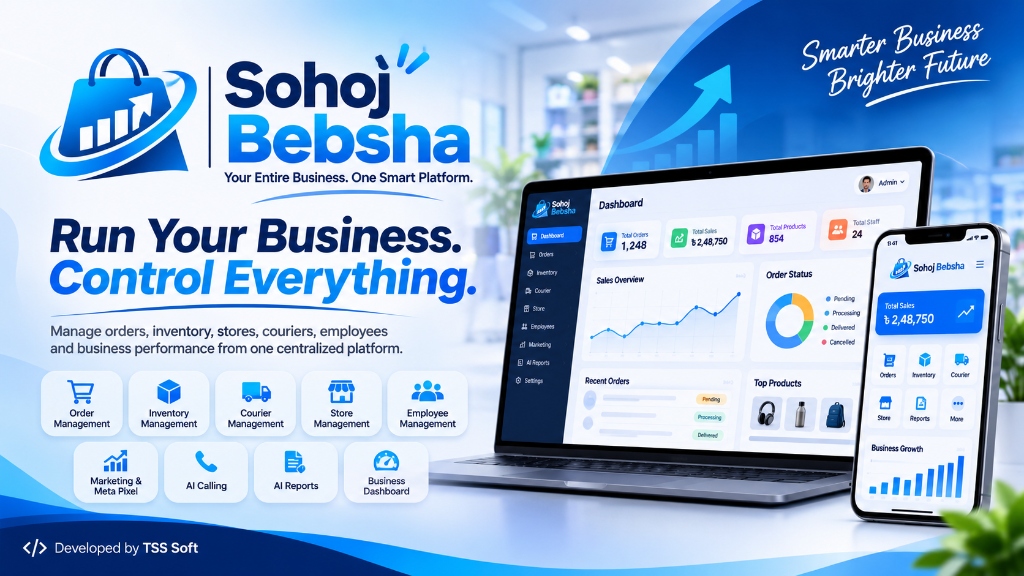
Sohoj Bebsha
Your Entire Business. One Smart Platform.

Cholo Jai (চলো যায়)
Your Journey, Made Simpler.

Tutors Kushtia
Connecting Tutors, Guardians & Opportunities.